Add scale bar instead of axes. See usingScaleBar.m for a script of given examples.
Syntax
scaleBar(Name, Value)
sb = scaleBar(Name, Value)
Description
A
scaleBar() sets the current axes invisible and addes bars and text for scale bar. example
B
sb = scaleBar(Name, Value) returns the scale bar object with additional options specified by one or more name-value pair arguments. For example, you can specify the number of decimal places for the label. example
Examples
Example 1
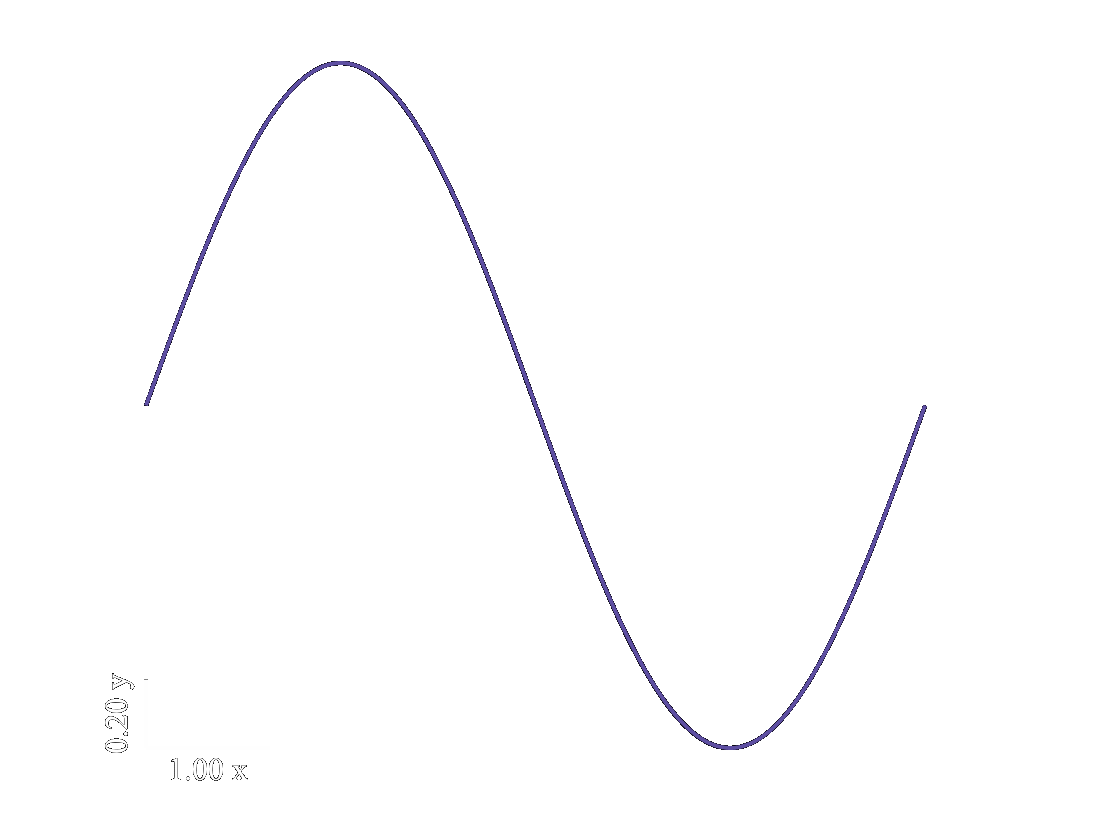
Add default scale bar to axes.
figure();
x = linspace(0, 2*pi, 1e3);
y = sin(x);
plot(x, y);
scaleBar();
auto_save('ex1a');
Example 2
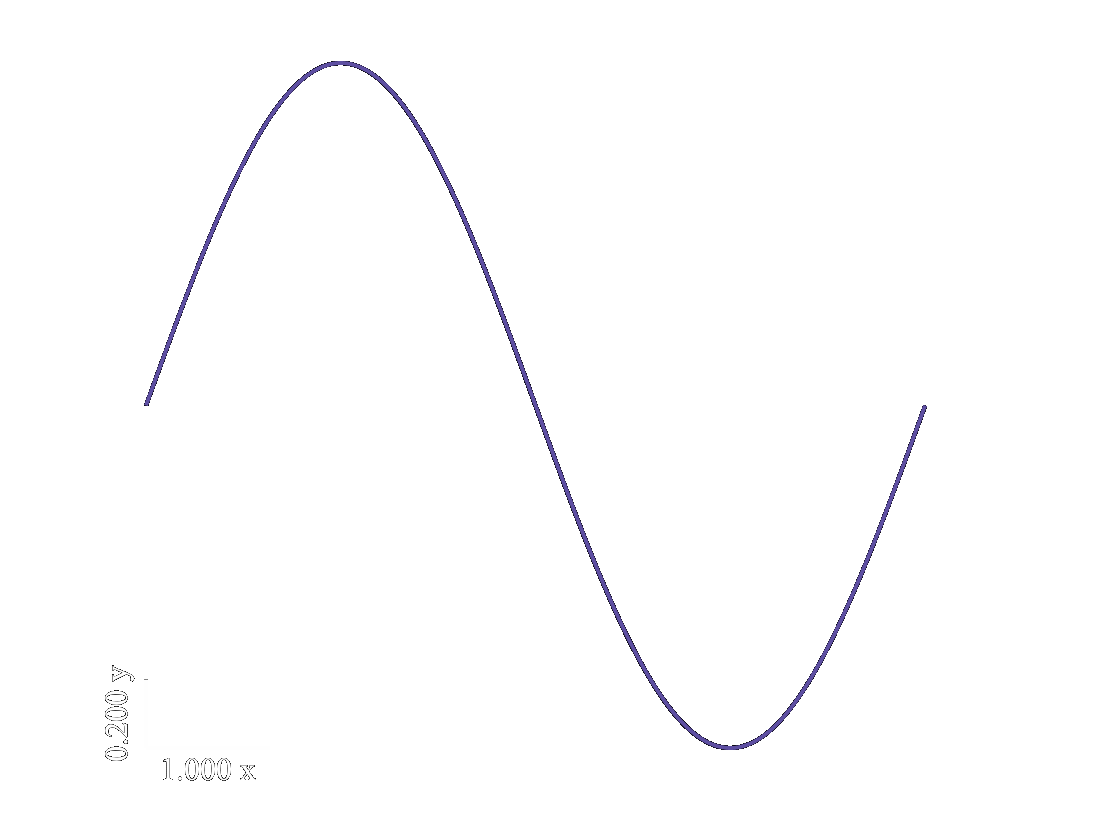
Add scale bar with number labels that have 3 decimals.
figure();
x = linspace(0, 2*pi, 1e3);
y = sin(x);
plot(x, y);
scaleBar('numDecimals', 3);
auto_save('ex2a');
Name-Value Arguments
Specified optional comma-separated pairs of Name,Value arguments. Name is the is the argument name and Value is the corresponding value. Name must appear inside single or double quotes. You can specify several name and value pair arguments in any order as Name1,Value1,...,NameN,ValueN.
Example: 'numDecimals', 3, 'xBarOnly', true specifies only a bar on the x-axis with a 3 decimal label.
ax
Axes to plot on. (default = gca())
Specify axes handle to add scale bar on.
Data Types: (scalar, axes handle)
barLength
Length of scale bars. (default = distance between ticks on input axes)
1 x 2 vector of length of scale bar lines.
Data Types: (vector [1 x 2], numeric, postive)
barOrigin
Origin of bar. (default = lower left corner of axes)
1 x 2 vector of bar origin defined in units of current axes.
Data Types: (vector [1 x 2], numeric)
orientation
Orientation of scale bars. (default = ‘southwest’)
How to orient scale bars.
Data Types: (string: ‘northeast’, ‘northwest’, ‘southeast’, ‘southwest’)
xUnitsStr
String for x-units (default = ‘’)
String to display as x units.
Data Types: (string)
yUnitsStr
String for y-units (default = ‘’)
String to display as y units.
Data Types: (string)
numDecimals
Numeric label decimals (default = 2)
Number of decimals to display for label.
Data Types: (scalar, numeric, positive)
name2
Short description (default=X)
Long description
Data Types: (X, Y)
xBarOnly
Only plot x scale bar (default = false)
Whether or not to only plot scale bar on x-axis.
Data Types: (scalar, logical)
yBarOnly
Only plot y scale bar (default = false)
Whether or not to only plot scale bar on y-axis.
Data Types: (scalar, logical)
Output
sb
Scale bar object.
Object with properties and methods of scale bar.
Data Types: (scalar, scaleBar)
More About
Useful for figures that have axes that have axes that are not super necessary.
Tips
I would suggest adding both scaleBar.m and functionSignatures.json to a folder that is in your MATLAB path. The scaleBar.m contains the scaleBar and the functionSignatures.json will you give custom suggestions and code completion for when you call scaleBar in a script or notebook.
If you already have a functionSignatures.json file in your folder, just add the pertinent code to the original functionSignatures.json.
Issues and Discussion
Issues and Discussion.
If you don’t know how to use github (or don’t want to), just send me an email.